
Private by design · No account · No watermark
Polish your screenshots. Nothing is uploaded.
ScreenPolish is a screenshot editor that runs entirely in this browser tab. Drop an image in, make it look professional, and size it for anywhere you post.
Editor
Drop a screenshot to begin
Drag one here, paste with ⌘/Ctrl V, or choose a file.
PNG, JPEG or WebP · stays on your device
A browser screenshot tool, not a design app
A raw screenshot is a rectangle of someone else's interface. Posted as-is it fights the layout around it and reads as an afterthought. ScreenPolish is a screenshot beautifier in the plainest sense: it puts the capture on a background, gives it room, rounds the corners and lifts it off the page, so what you post looks deliberate. It is built for the people who post screenshots most — indie makers announcing a release, developers writing changelogs, designers sharing work in progress, and support and marketing teams illustrating a point.
Processed on your device
Your screenshot is decoded and rendered by your own browser. There is no upload step, no copy on a server, and nothing to delete afterwards.
Good defaults on arrival
A subtle colour-matched inset, balanced padding, a soft shadow and a rounded frame are applied the moment you drop an image. Adjust what you care about and ignore the rest.
Sized for where you post
Presets for X, LinkedIn, Product Hunt and Open Graph, plus custom dimensions. Export PNG, JPEG or WebP — never watermarked, on any plan.
See the difference
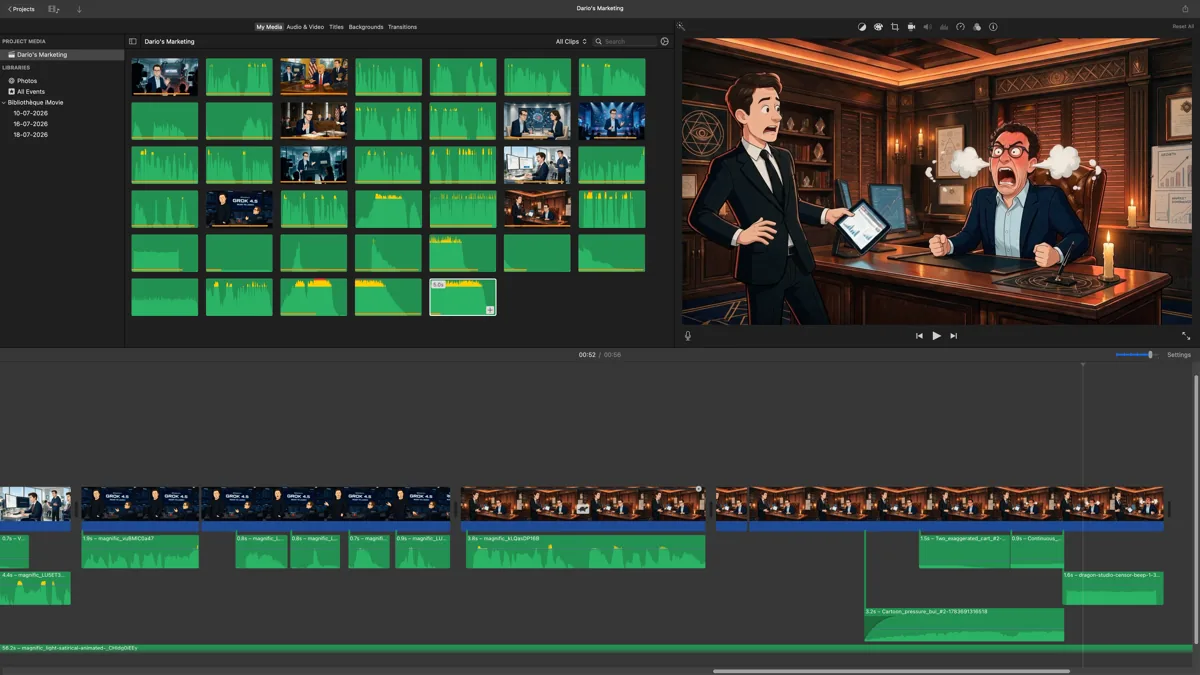
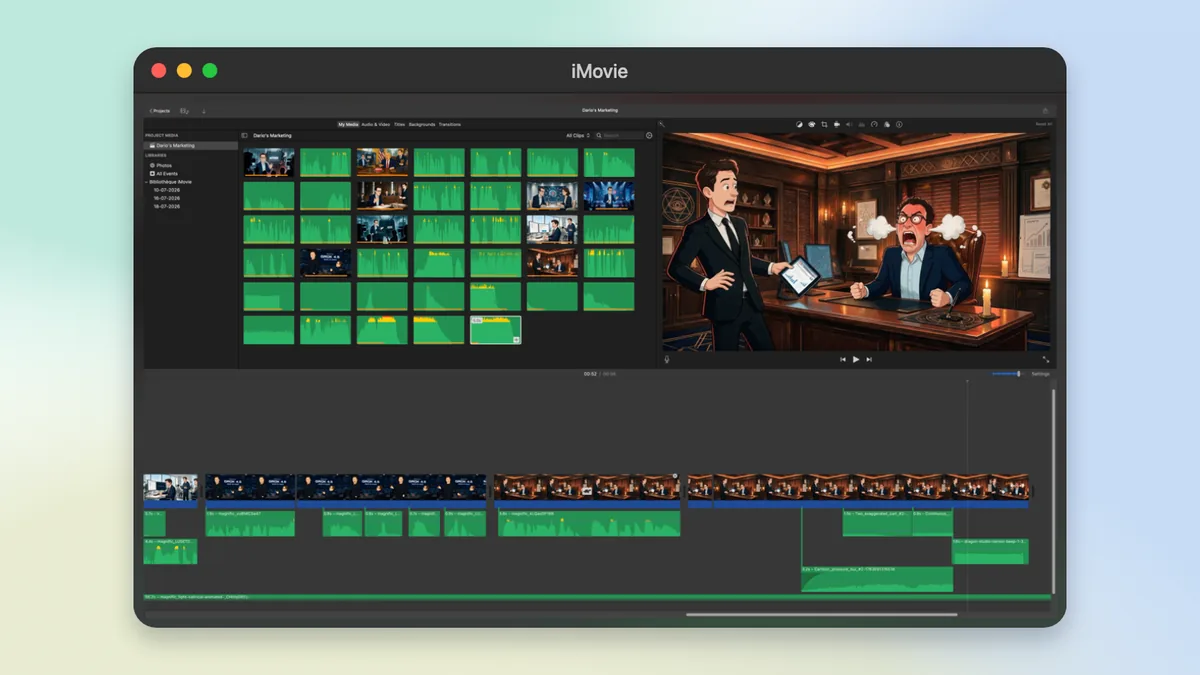
One capture, two outcomes. The first is the screenshot as captured. The second uses ScreenPolish to add a background, spacing, rounded corners and a shadow.
Three steps, no account
The editor is already open on this page. You get 1 export without signing in at all, and 5 a month once you do.
Step 1
Bring the screenshot in
Drag a file onto the canvas, pick one with the file picker, or paste straight from the clipboard. PNG, JPEG and WebP are all accepted.
Step 2
Frame it
Choose a background, then set the adaptive inset, padding, corner radius, shadow depth, scale and position. The preview updates as you move each control.
Step 3
Size it and export
Pick the canvas ratio for wherever you are posting, or type exact dimensions, then export a PNG, JPEG or WebP at 1x, 2x, or 4x on Pro.
Everything you can change
12 background presets across 4 families, plus the framing controls that do most of the work.
Backgrounds
- Curated gradient, mesh, aurora and atmosphere presets
- Any solid colour
- Fully transparent, for a framed PNG with no backdrop
- An image from your own device, used locally and never uploaded
The screenshot itself
- Padding, so the capture is not jammed against the edge
- An adaptive inset that continues colours found around the capture
- Corner radius on the screenshot frame
- Shadow intensity, from none to pronounced
- Scale, plus horizontal and vertical position
Canvas and export
- Ready-made social ratios, original ratio, or custom dimensions
- PNG, JPEG and WebP output
- 1x, 2x and 4x resolution (4x on Pro)
- Reset, and a randomise button for a different look in one click
A social media screenshot maker with the sizes built in
Every canvas ratio below is one click in the editor. Pick the platform, or type exact pixel dimensions if you need something else.
- Auto / OriginalMatch screenshot
- Square1:1
- X / Twitter16:9
- X Portrait4:5
- LinkedIn1.91:1
- Product Hunt1.67:1
- Open Graph1.91:1
- Story / Reel9:16
Why your screenshots stay yours
Screenshots are rarely as harmless as they look — they carry customer names, internal dashboards, draft copy and unreleased work. ScreenPolish never asks you to trust us with any of it, because it never receives it. The image is decoded and drawn by your own browser, the export is produced on your device, and no image byte is sent to a server at any point. There is no gallery, no history, and nothing for us to leak or to hand over. Closing the tab is the whole deletion process.
You can verify this yourself in 30 seconds — here is how. The full detail is in the privacy policy, and the practical questions are answered in the FAQ.
Is ScreenPolish really private?
Yes. Importing, editing and exporting all happen in your browser, on your device. No image byte is ever sent to a server, there is no gallery and no history. Close the tab and everything is gone. You can verify it yourself: open DevTools, watch the network tab, export — zero image requests.
Is there a watermark on free exports?
Never. The 1 local demo export available without an account is watermark-free. A free account gives you 5 clean exports every calendar month. Pro removes the cap and unlocks 4x resolution for $4 a month. The images themselves are always clean, whichever access level you use. Cancel Pro any time.
What sizes can I export for social media?
ScreenPolish ships presets for X/Twitter, LinkedIn, Product Hunt and Open Graph, plus original ratio and fully custom dimensions. Pick the platform, drop your screenshot, and the canvas is already the right size. Export as PNG, JPEG or WebP, at up to 4x resolution on Pro.
5 free exports a month. Pro when you need more.
Exports are watermark-free on every plan. Pro removes the monthly limit and adds 4× resolution.
Pro Monthly
Cancel anytime
$4 per month
Pro Yearly
Save 29% vs. monthly
$34 per year